

Professional Background Removal Service for E-Commerce & Product Photos
Clean, distraction-free product images gain customer attention and sell better. Our professional background removal service manually removes unwanted backgrounds using precise clipping paths and masking to deliver sharp, studio-quality photos. Get quick turnaround, affordable pricing, and consistent results for every image.

What Is a Background Removal Service, and Why Does It Matter?
Background removal is the process of isolating the main subject of a photo and removing unwanted or messy backgrounds. It helps products stand out clearly with white, transparent, or custom backgrounds, enhancing their visual appeal.
While automated tools often miss edges and details, our designers carefully edit every image by hand using Adobe Photoshop to ensure pixel-perfect accuracy. The result is clean edges, natural shadows, and marketplace-ready images that build trust and increase conversions.
eCommerce Photo Background Removal Techniques
Our eCommerce photo background removal services give you clean, professional product photos that attract attention and drive more conversions. We quickly, perfectly, and affordably prepare photos for Amazon, eBay, and other online stores by removing distractions, making white or transparent backgrounds, and using precise manual editing in Adobe Photoshop.
Who Needs Background Removal Services?
Our service is ideal for businesses that rely on clean, professional visuals to attract customers, build trust, and increase online sales with distraction-free product photos.
-

E-Commerce Stores
Clean, consistent white or transparent backgrounds make products look professional, improve catalog quality, and help shoppers focus on what matters most — the product itself.
-

Fashion & Apparel Brands
Show garments, fabrics, and styles clearly without messy studio backgrounds, creating polished lookbooks and product listings that enhance brand image and customer confidence.
-

Jewelry & Accessories Sellers
Precise cut-outs highlight shine, sparkle, and intricate details, making rings, watches, and accessories stand out with a premium, high-end appearance.
-

Marketplace Sellers
Meet strict image guidelines for platforms like Amazon and eBay while improving visibility, clicks, and conversions.
-

Product Photographers & Agencies
Save hours of editing time by outsourcing background removal, allowing you to focus on shooting, creativity, and delivering projects faster to clients.

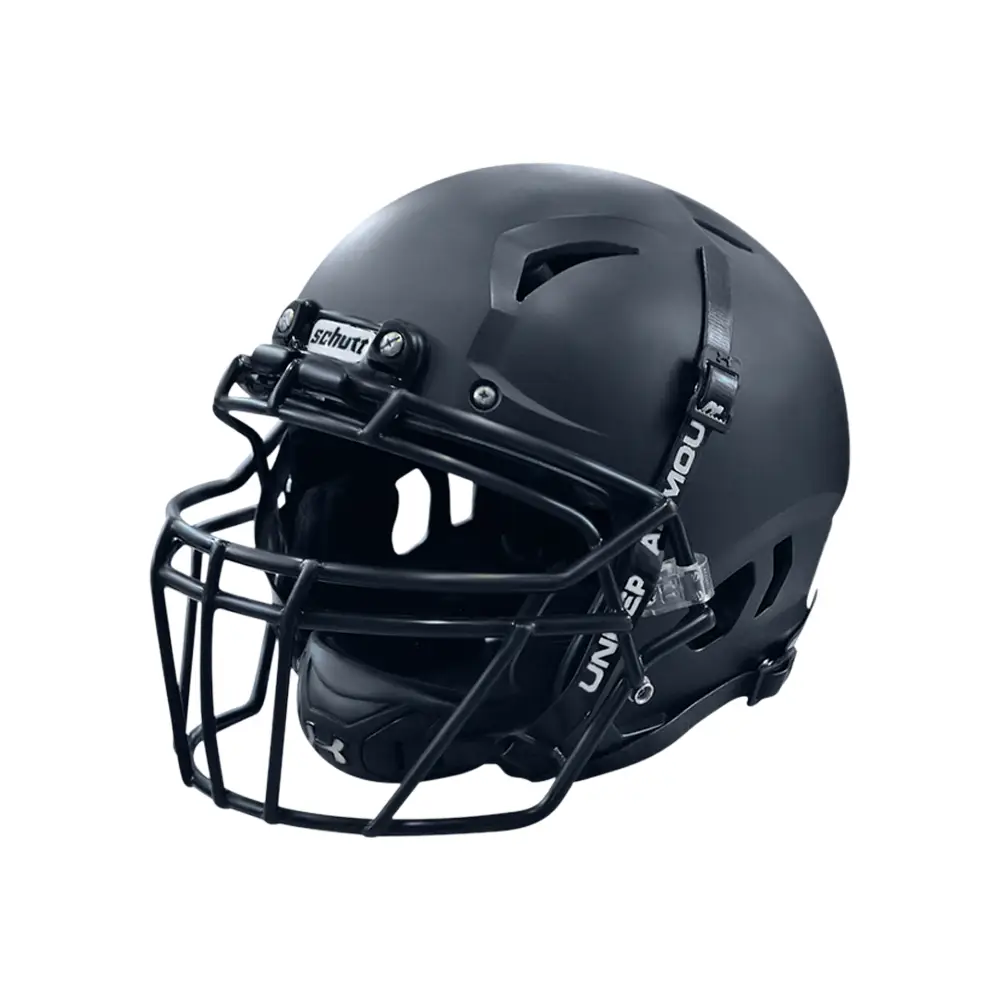
Background Removal with Clipping Path
Background removal with a clipping path involves isolating the main subject of an image by creating a precise vector path around it. This path acts as a boundary, allowing you to separate the subject from its background with utmost accuracy. By removing the existing background, you gain the flexibility to replace it with a more suitable or transparent backdrop, enhancing the overall composition and focus of the image.
The combination of background removal and clipping path offers numerous benefits. For e-commerce businesses, it allows for clean and professional product presentations. By removing distractions and placing the product on a neutral or customized background, it creates a cohesive and visually appealing experience for potential customers.


Background Removal with Masking
Background removal with masking involves creating a layer mask to selectively hide or reveal parts of an image. It allows for intricate and detailed adjustments, ensuring that the subject remains intact while seamlessly removing the unwanted background. This technique offers a high level of control and flexibility, making it ideal for complex subjects and images with fine details.
One of the key advantages of background removal with masking is its ability to preserve fine elements like hair, fur, or intricate patterns. Unlike other methods, masking allows for precise editing, enabling you to retain the natural appearance and intricate details of the subject. This level of accuracy is particularly valuable in fashion photography, product shots, or any image where the subject's fine details are essential.

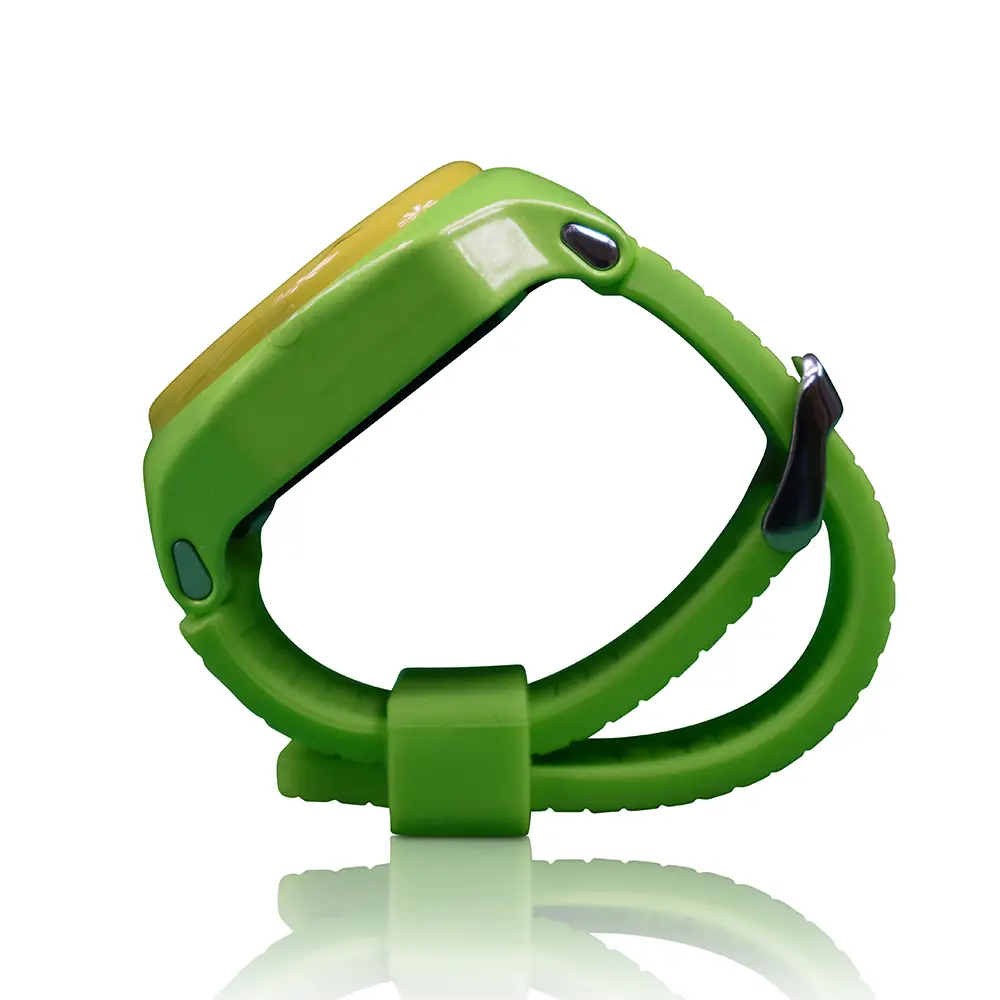
Background Removal & Shadow Creation
Adding shadows to images provides a sense of depth and realism, making objects appear grounded and integrated within their environments. It adds a natural visual element that enhances the overall composition and makes the subject visually pop. Shadows can be subtle or dramatic, depending on the desired effect and the lighting conditions of the scene.
In product photography, adding a shadow creation service can create a three-dimensional feel, making the product appear more tangible and enticing. By carefully placing shadows, you can simulate the way light interacts with objects, adding depth and highlighting key features. This technique is particularly effective for showcasing products online, as it helps create a sense of realism and enhances the viewer's perception of the item's quality.
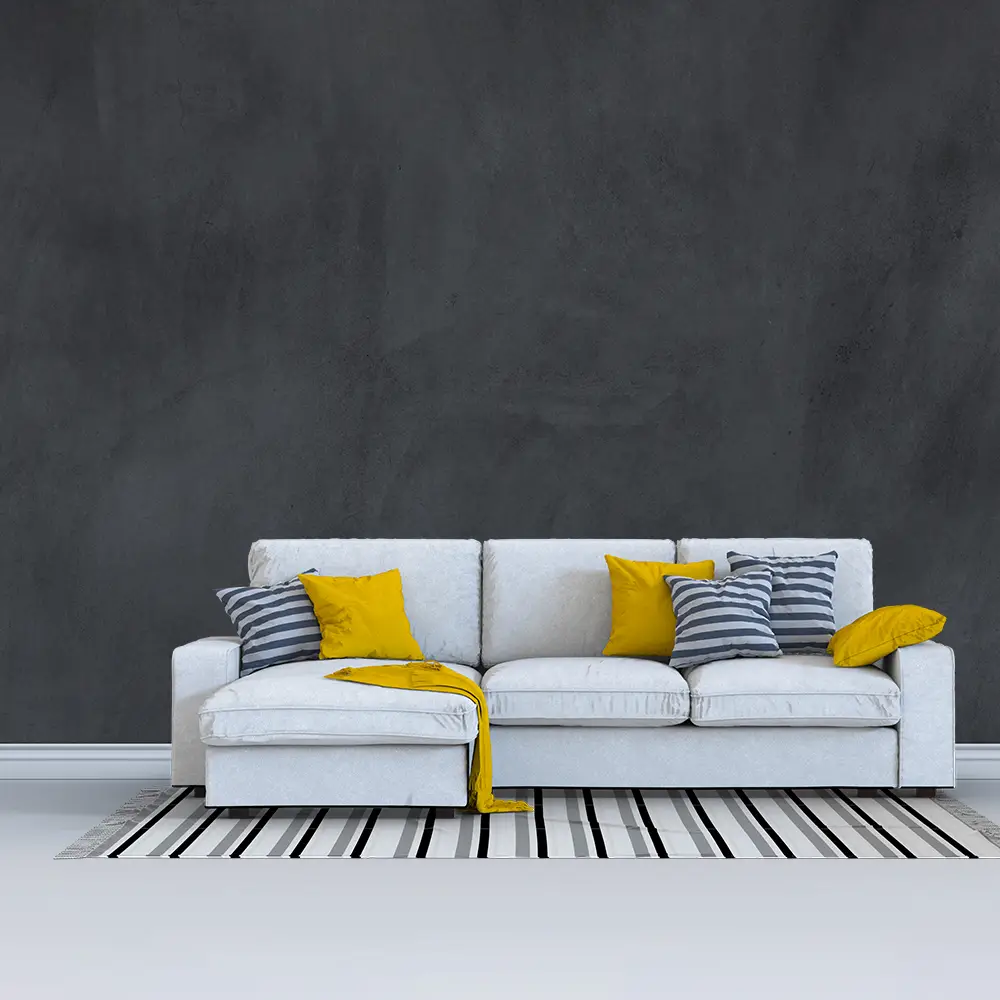

Background Removal with Color Change & Replacement
Changing the background color of an image offers endless creative possibilities. It allows you to tailor the ambiance and mood of your visuals to match your desired aesthetic or convey a specific message. By selecting the right background color, you can create a cohesive composition, draw attention to the subject, and evoke certain emotions within the viewer.
For photographers, the ability to change background colour correction provides flexibility and allows for creative experimentation. Whether you want to create a vibrant and energetic scene, a serene and calming atmosphere, or a bold and dramatic setting, changing the background colour enables you to customise the visual experience to suit your artistic vision.
Manual Editing vs AI Background Removal – Which Is Better?
Automated tools can remove a background in seconds, but speed doesn’t always mean quality. They often miss fine edges, struggle with hair, glass, or shadows, and leave rough or unnatural cut-outs. That might be fine for quick drafts, but not for professional product photos.
Manual editing, on the other hand, is handled by experienced designers who carefully refine every edge and detail using Adobe Photoshop. The result looks clean, natural, and ready for e-commerce. If quality and conversions matter, manual editing is the smarter choice.
What You Get with Our Background Removal Service
We deliver fully optimized, professional images that are ready to use on e-commerce stores, catalogs, and online marketplaces — no extra editing required. Every photo is carefully refined to look clean, sharp, and consistent across your entire product line.
You receive:

Pure white background images

Transparent PNG files

Custom or branded background colors

JPG, PNG, PSD, or TIFF formats
Smooth, natural edges
Web-optimized file sizes for fast loading

Clipping path or mask layers on request
Simply upload and start selling.
Get a Free Trial
Got Questions? We’ve Got Answers!
Have any questions or need assistance? We're here to help! Whether you’re curious about our services, need guidance on placing an order, or have specific requirements, our support team is ready to assist you. Get in touch with us for quick and reliable responses to all your inquiries!
Benefits
The Benefits of Using Background Removal Service
As a leading background check removal service provider, Photo Editing Studio understands the importance of high-quality, visually appealing images in today's digital world. Here are just a few of the many benefits of using our background removal service:

Improved Visual Appeal
Image background removal service can help enhance its visual appeal by creating a clean, professional look. This is especially important for businesses looking to develop a strong online presence and attract new customers.

Increased Sales
High-quality images have been shown to increase sales and conversions for eCommerce businesses. By using our background removal service to create clear, attractive product images, you can help increase sales and grow your business.

Consistent Branding
By removing distracting elements from your visuals and creating a consistent look, you can build a strong brand identity and make your business more recognizable to your audience.

More Versatile Images
With a transparent background, images can be used in a variety of ways, such as overlaying on different backgrounds or combining with other images. This can help you create more versatile, customized visuals for your business.

Time and Cost Savings
By outsourcing your background removal needs to Photo Editing Studio, you can save time and money that would otherwise be spent on hiring and training in-house staff. Our affordable pricing plans and quick turnaround times make our service a cost-effective solution for businesses of all sizes.
How Does Background Removal Service Work
Background removal service is an essential tool for anyone looking to enhance their visuals and create high-quality, engaging images. But how does it work? We'll explore the process of background removal service and the various methods used to achieve it.
-
Manual Background Removal
One of the most popular methods for background removal is manual removal. This involves using specialized software and tools to carefully select and remove the background from an image. A skilled professional can ensure that the final product looks seamless and natural, without any noticeable traces of editing.
The process of manual background removal begins by selecting the subject of the image using various tools such as the magic wand, lasso, or pen tool. Once the subject is selected, the background can be removed and replaced with a solid color or transparent background. This process can be time-consuming, especially for complex images, but the end result is a high-quality, visually appealing image that captures the viewer's attention.
-
Automatic Background Removal
Another method of background removal is automatic removal, which uses AI-powered tools to remove the background from an image. This process is quicker and less expensive than manual removal, but it may not provide the same level of accuracy or customization. Automatic removal is best suited for simpler images with clearly defined edges and minimal background detail.
The process of automatic background removal begins by analyzing the image and identifying the subject using AI algorithms. The software then removes the background, leaving only the subject visible. While this method is faster and less expensive than manual removal, it may not always provide the desired level of accuracy or customization.
-
Clipping Path Service
Clipping path service is another popular method of background removal, often used for complex images or those with intricate details, such as jewelry or clothing. This process involves manually selecting and isolating the subject of an image, leaving a transparent background.
The process of clipping path service begins by using specialized software to carefully select the subject of the image, creating a path around the edges of the subject. Once the path is created, the background can be removed, leaving only the subject visible. This method is time-consuming, but it provides a high level of accuracy and customization, making it ideal for complex images.

Time and Cost Savings
Photo Editing Studio is an online platform where you can create stunning graphic designs for various purposes, such as social media posts, marketing materials, business cards, and much more. So, let’s go through how it works:

Upload Your Photo
To get started, simply upload the photo that you want to edit. You can do this by clicking on the "Upload" button on the home page and selecting the photo from your computer or device.

Select the Editing Service You Need
Once your photo has been uploaded, you can choose the editing service that you need. The services available on Photo Editing Studio include color correction, photo retouching, image restoration, and more.

Submit Your Order
After selecting the editing service that you need, you can submit your order by providing any additional instructions or specifications for the editing. You will also need to provide your contact information and payment details.
Receive Your Edited Photo
Once your order has been processed and completed, you will receive your edited photo via email or download link, depending on your preference. You can then review the edited photo and request revisions or changes if necessary.

Download and Use Your Edited Photo
After reviewing and approving your edited photo, you can download and use it for your intended purpose, whether that be for personal or commercial use.
FAQ's
Image Background Removal Service FAQ
Everything you need to know about Background Removal Service.
Most background removal services are completed within 24–48 hours. Bulk or high-volume orders may take longer, but we always provide an accurate delivery estimate.
Yes. Our professional background removal service uses masking and clipping path techniques to preserve intricate details and create clean, natural edges.
Absolutely. Every background removal service delivers images with white, transparent, or custom backgrounds in formats like JPG, PNG, PSD, or TIFF.
Yes. We provide special pricing for high-volume orders. Our bulk background removal service ensures consistent quality while reducing costs.
Yes. We offer a free trial of our background removal service, allowing you to test the quality on a few sample images before committing to larger projects.
Our background removal service is perfect for Amazon, eBay, Etsy, Shopify, and other marketplaces, ensuring your images meet platform guidelines and look professional.